
You will have received an email from the provider (senior living, hospice, home health, ...) who issued your account. Check your Junk Mail or Spam folder if you don't see it.
|
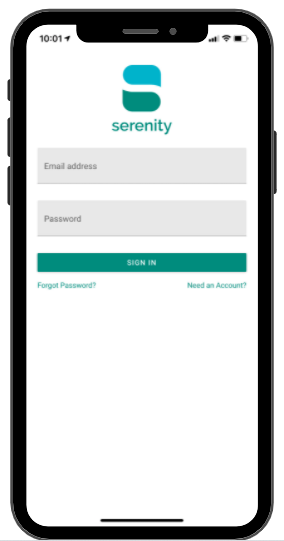 |
You will be asked if you’d like to receive ‘Push’ notifications. We recommend that you allow this so you are notified of new messages. (You can change this notification setting at any time in your phone settings).
You will be asked if you’d like your device to save your password. If you would like your password to be saved, tap ‘Save Password’.